
Dell PowerEdge R6415 1U Rack Server | Configure to Order
PowerEdge R6415
Dell
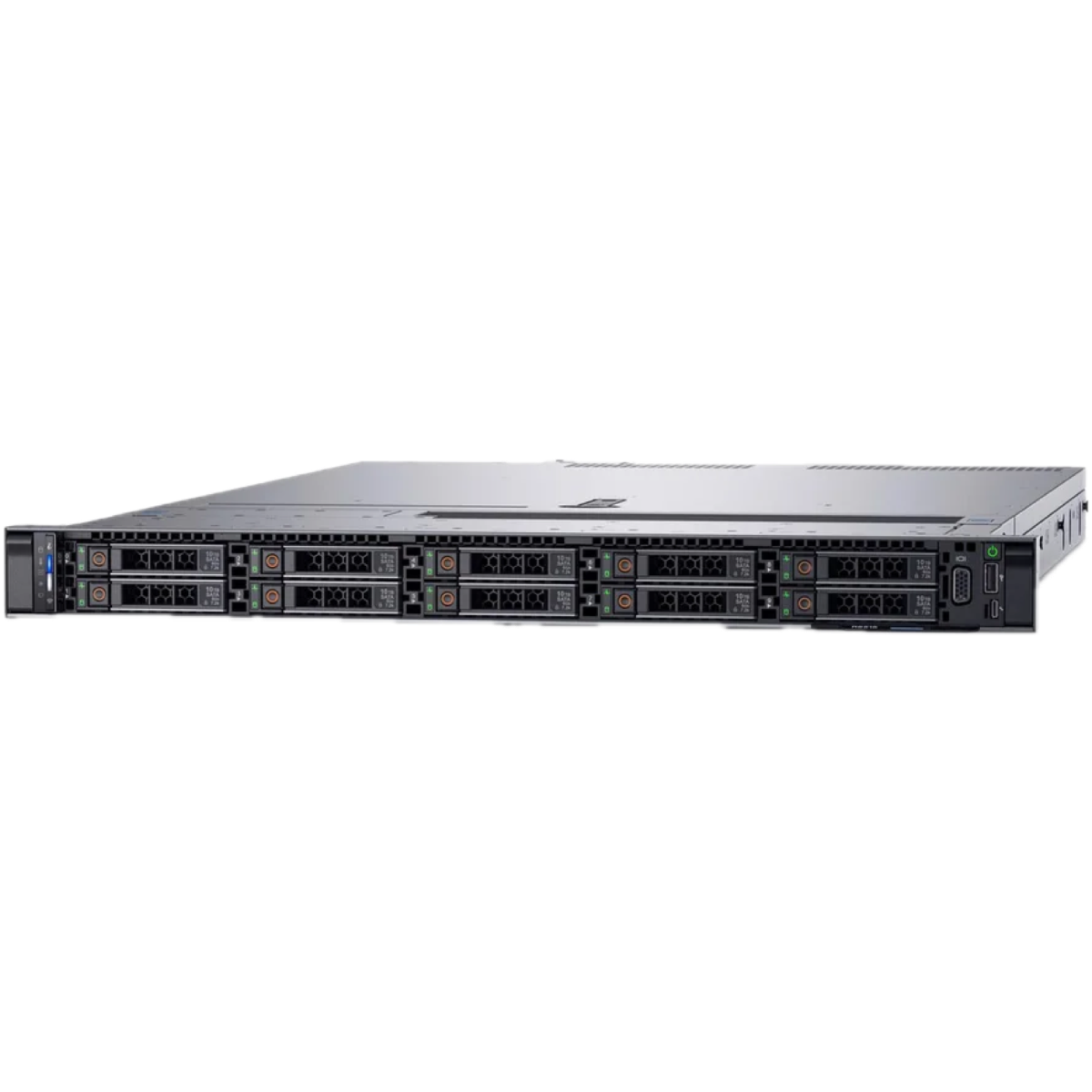
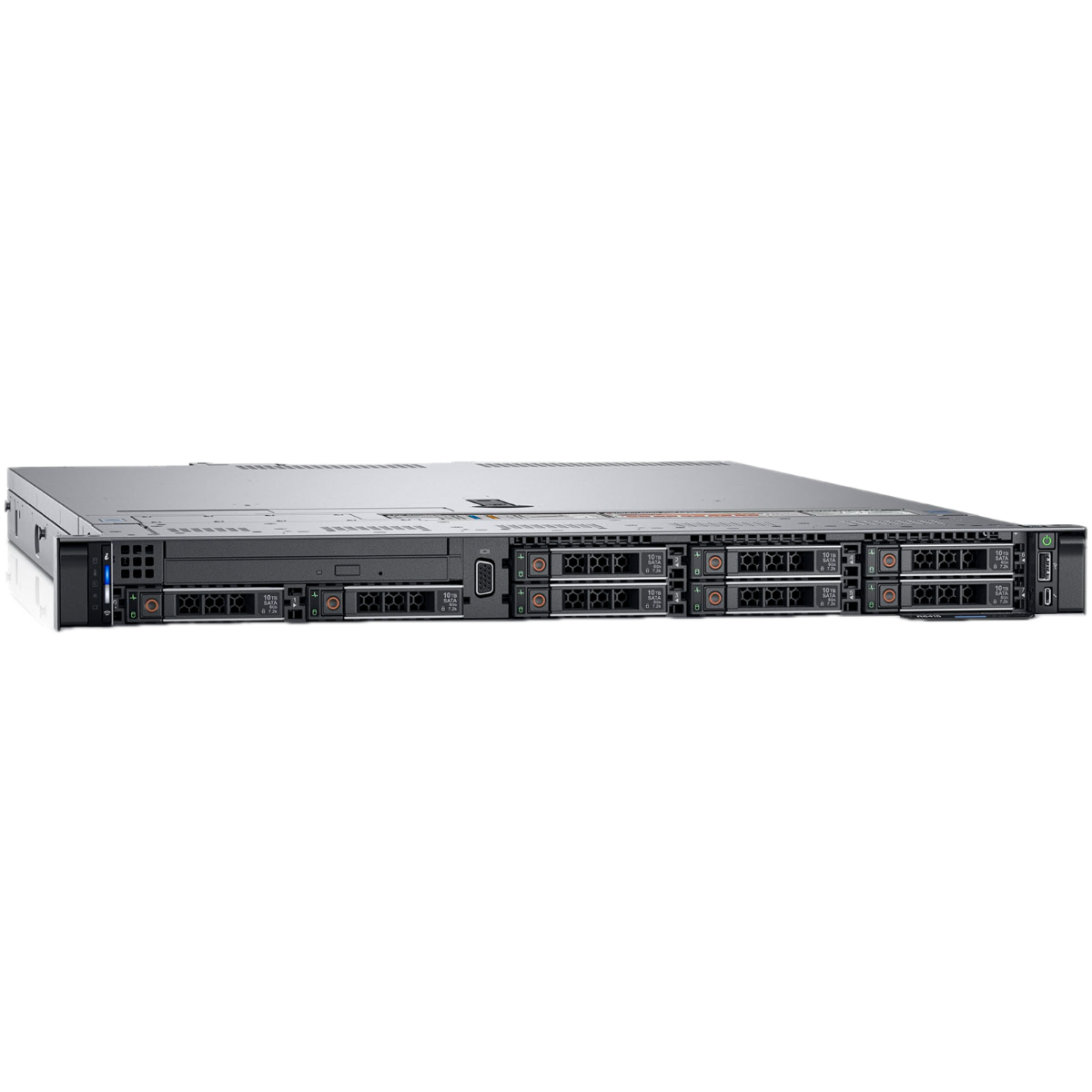
Dell PowerEdge R6415: a compact 1U rack server, refurbished and built to your specification
The PowerEdge R6415 packs a full PowerEdge server into a single rack unit, so you can add compute to a crowded cabinet or colocation footprint without giving up a 2U slot. It suits teams who want rack density and Dell's familiar management tooling more than a wall of drive bays.
Every R6415 from Compuwyze is configured to order. Choose the processor, memory, drives, storage controller and networking in the configurator below, and the server is assembled to that build, so you pay for the parts your workload actually uses.
All hard drives are tested to 100% health · All SSDs are tested to 90-100% health
Normally available from . These chassis are out of stock at the moment:
No matches found.
Share or save this configuration
No components selected yet.
Required options not yet complete
Contact Us About StockAbout the Dell PowerEdge R6415
The Dell PowerEdge R6415 is a 1U rack server for buyers who value density: one rack unit per host, a full PowerEdge management experience, and a build you specify yourself. It works well as a compact hypervisor node, a scale-out web or application server, or a dependable box for core network services in a branch cabinet. If you need more drive bays or expansion slots than a 1U chassis can offer, compare it with the 2U Dell PowerEdge R740; for another 1U option, see the Dell PowerEdge R640.
A few pointers before you start configuring:
- Memory: size RAM to your workload and fill DIMM slots in balanced sets so every channel is used.
- Storage: SSDs for VM datastores and databases, larger drives for backups and file shares.
- Controller: hardware RAID for protected volumes, HBA mode when ZFS, Ceph or Storage Spaces Direct should own the disks.
- Networking: match adapter speeds to the switches you already run.
Planning a hypervisor host? Our guide to servers for virtualisation with VMware and Hyper-V covers sizing in more depth, and why buy refurbished servers sets out the practical case for a refurbished build.
Typical Use Cases
- Compact virtualisation hosts running VMware ESXi, Microsoft Hyper-V or Proxmox VE
- Scale-out web and application tiers built from several identical 1U nodes behind a load balancer
- Kubernetes or Docker container hosts in a small on-premises cluster
- Core network services: DNS, DHCP, Active Directory, RADIUS and monitoring
- Branch office and edge servers where rack space is limited
- Development and test environments that mirror production without filling a cabinet
- Software-defined storage nodes using HBA mode with ZFS or Ceph
- Colocation deployments where space is billed per rack unit
Frequently Asked Questions
- Which processors can I choose for the PowerEdge R6415?
- The configurator lists the processor options offered for this build. Pick the core count and clock speed that suit your workload: more cores for virtualisation and containers, higher frequency for per-core licensed software such as some database products.
- How much memory and storage can I configure?
- The memory and drive options available for the R6415 are shown in the configurator, and the build is assembled to whatever you select. For best memory performance, populate DIMMs in balanced sets across the memory channels rather than mixing odd quantities.
- What RAID options are available?
- You choose the storage controller in the configurator. A hardware RAID controller presents protected volumes to the operating system, while HBA or pass-through mode, where offered, hands the raw disks to software such as ZFS, Ceph or Storage Spaces Direct.
- Is the R6415 a good choice for virtualisation?
- It is a common choice for compact hypervisor hosts running VMware ESXi, Hyper-V or Proxmox VE, particularly where rack space is tight. Size memory generously, use SSDs for VM datastores, and check your hypervisor vendor's hardware compatibility list for the version you plan to run.
- What warranty comes with a configured R6415?
- Configured servers come with a 3 year return to base warranty. Returns are accepted within 30 days, with the customer paying return shipping costs.
- How does configuring to order work?
- You select the processor, memory, drives, controller and networking in the configurator, and Compuwyze assembles the refurbished server to that specification. We aim to ship configured servers within 2 business days, and UK delivery is normally next working day once shipped.
Key Specifications
| Processor | |
|---|---|
| No of Processors | 1 |
| Processor Family | AMD EPYC |
| Cores Per Processor | up to 32 |
| Memory | |
| Memory Type | DDR4 |
| RAM Type | RDIMM, LRDIMM |
| Memory Slots | 16 DIMM slots |
| Maximum Capacity | 2 terabytes |
| Storage Controllers | |
| Internal controllers | PERC H330, H730p, H740p, HBA330 |
| External Controller | PERC H840 |
| Boot Storage Option | HW RAID 2 x M.2 + Internal USB + Internal Dual SD Module |
| Software RAID | 12Gbps PERC9 or 10 series, mini PERC x8 slot |
| Storage | |
| Drive Bays 2.5 inch | Up to 8 x 2.5" SAS/SATA/NVMe |
| Drive Bays 3.5 inch | up to 4 x 3.5" SAS/SATA HDD |
| NVMe PCIe | 2 x 2.5 NVMe or up to 10 NVMe drives |
| Power | |
| Power Supply Options | Platinum 550W, Bronze 450W Hot plug power supplies with full redundancy |
| Chassis | |
| Form Factor | Rack (1U) |
| Chassis Width | 728.23 mm Front Bezel to Rear PSU Handle, 714.58 mm Front plate (no bezel) to Rear PSU Handle |
| Expansion Slots | |
| PCIe Configuration | 128 PCIe lanes |
| PCIe Slot 1 | 2 x Gen3 slots; 2 x 16 lanes |
| Networking | |
| Network Interface | Optional LOM: 2 x 1GE or 2 x 10GE or 2 x 10GE SFP+ |
| I/O Ports | |
| Front USB Ports | 1 x USB 2.0, dedicated iDRAC Direct USB, Video |
| Rear Ports | Video, Serial, 2 x USB 3.0, dedicated iDRAC network port |
| Management | |
| Embedded Management | iDRAC9 with Lifecycle Controller, iDRAC Direct, iDRAC REST API with Redfish, Quick Sync 2 BLE/wireless module |
| Security | |
| TPM | TPM 1.2/2.0 optional |
| Security Features | Cryptographically signed firmware, Silicon Root of Trust, Secure Boot, System Lockdown, System Erase |