
-
-
-
 £180.00 £150.00
Out of stock
-
-

-

-
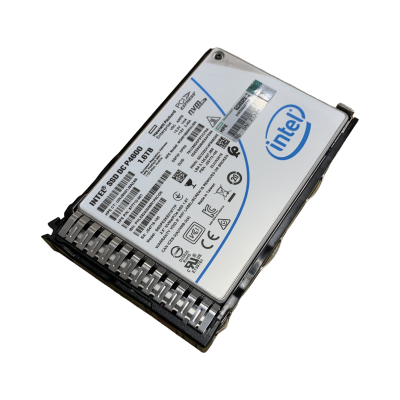 £144.00 £120.00
Out of stock
-
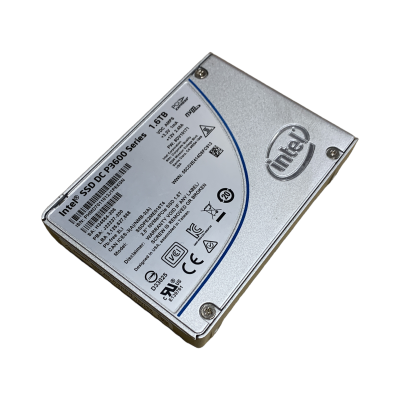 £300.00 £250.00
Out of stock
-
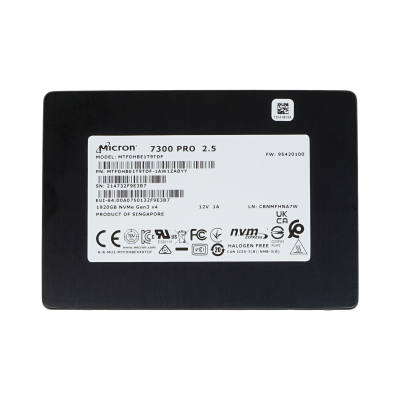 £360.00 £300.00
Out of stock
A U.2 SSD gives you NVMe performance in a hot-plug 2.5in caddy, so you can swap a drive from the front of the chassis without opening the lid. That makes U.2 drives a common choice in enterprise rack servers. Buying them refurbished can bring the cost per terabyte of a mixed-use NVMe tier down to something a small cluster can justify. The notes below cover what the range includes, how to read the listings and what to check before you order.
At a glance
Typical deployments
Database logs and write caches
Transaction logs, ZFS SLOG devices and write-back caches care about latency and endurance far more than capacity. A small, write-tolerant drive such as the Intel Optane DC P4800X 375GB or the Intel DC P3700 800GB Write Intensive suits this role better than a large read-optimised drive.
Virtualisation datastores
VM storage sees a steady blend of reads and writes, so Mixed Use drives are the sensible default. Capacity per bay matters here because it decides how many VMs a host can carry. The Samsung PM1733 3.84TB, Samsung PM1725b 3.2TB and Kioxia CD5 3.84TB all fit that brief.
Read-heavy and boot workloads
Web content, analytics reads and hypervisor boot volumes write very little after deployment. A Read Intensive drive like the Samsung PM9A5 800GB (02YC661) keeps cost down without wasting endurance you won't use.
Labs, scratch and test rigs
For build agents, test clusters or temporary scratch space, a health-graded drive such as the Kioxia 960GB (DRC9H) gives NVMe speed at a lower outlay. Keep it out of anything that can't tolerate a rebuild, and pair it with redundancy if the data matters.
Compatibility: check the bay, not just the drive
A U.2 drive needs a bay wired for NVMe. Many servers ship with SAS/SATA-only backplanes that accept the same 2.5in caddy but will not run an NVMe drive. Check your chassis configuration or backplane part number before ordering. Also confirm the drive carrier your server uses, since OEM-labelled drives may not include one. NVMe drives connect directly over PCIe rather than through a traditional RAID card, so if you rely on hardware RAID, read our guide to how RAID controllers handle different drive types and plan software RAID or a supported controller where needed.
Why buy from Compuwyze
- 12-month return-to-base warranty on every drive
- Free UK delivery on orders over £50
- Orders for simple items placed before 2pm aim to ship the same day
- UK delivery is normally next working day once shipped
- International shipping via FedEx economy or priority, usually 2 to 5 days
- 30-day returns window
Frequently asked questions
Is it sensible to buy a refurbished NVMe SSD?
For enterprise drives, usually yes. Enterprise SSDs are built with endurance ratings well beyond typical desktop use. The main thing to judge is remaining life against your workload. Match the endurance class to how much you write, and use health-graded drives only where a failure is easy to absorb.
How long will a refurbished U.2 drive last?
It depends on remaining endurance and how hard you write to it. A Read Intensive drive on a boot or read-heavy volume can run for years. A drive taking constant log writes wears faster. Your server's management tools, or SMART data from the operating system, will report wear so you can plan replacements.
What is the difference between U.2, M.2 and PCIe card NVMe?
All three use the NVMe protocol over PCIe. U.2 is a 2.5in hot-plug drive for server bays. M.2 is a small board that mounts on the motherboard or an adapter. A PCIe add-in card sits in an expansion slot. U.2 is the one to choose when you want front-accessible, swappable NVMe storage.
Will a Dell, Cisco or Lenovo part-numbered drive work in another server?
OEM part numbers show which vendor the drive was supplied for, and they are the safest match for that vendor's servers. Use in other platforms is possible but not guaranteed, because firmware and management support vary. If in doubt, contact us with your server model before ordering.
Who pays for a return if a drive is not right?
Returns are accepted within 30 days, and the customer covers the return shipping cost. Checking bay and carrier compatibility first saves you that trip.